top of page


• Kickstarter launch!
• New Lil Guy Comic
• New Lil Guy Panels Episode
• Controller Support
• New Kickstarter Trailer

.png)


Couple things need to be done before Lil Guy Resort's full game releases! Here's a list of things that you'll get to see before the full game!
-
The full Lil Guy Riot animated episode
-
A "certain important character" making his first official appearance in the Lil Guy Panels series
-
Spanish translation of the demo


More Lil Guys
Expect even more choices for lil guys all with different stories.
Custom Lil Guys
Custom lil guys are already in the demo, but the full game will have a better way of implementing them. This will include giving them their own dialogue, icon, and name.


.png)
Room Decoration
Once you officially have your own lil guy, you two will both live at the Liffy Hotel together! Design your room however you'd like!
More Exploration
Instead of clicking an icon button, the full game will have a travel system that shows off the entire resort 3D designed. You can travel to the same locations as before but with an expanded design.
More Animations
The Lil Guy Animated Series will continue with a much longer episode titled "The Heist." Lil Guy gets tricked by Vice Mayor Desiree to steal the key to the resort. The episode will dive into what made Miss GG mayor and Desiree's relationship with Mayor GG, the previous mayor.
The Story Continues!
That "to be continued" screen at the end of Story Mode was very upsetting! But don't worry! The full game will include the second half to the story.


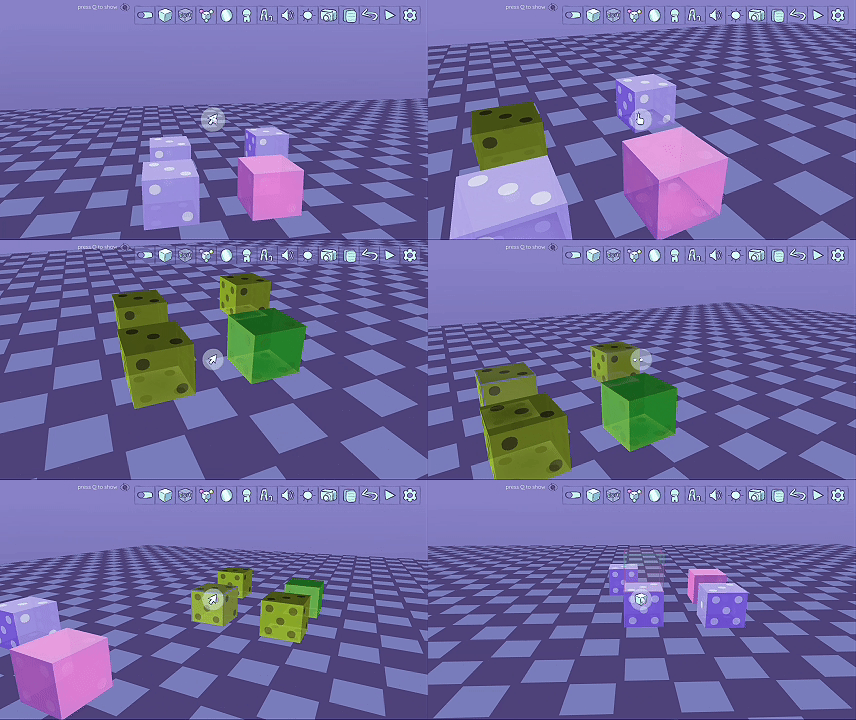
Placeholder Tool
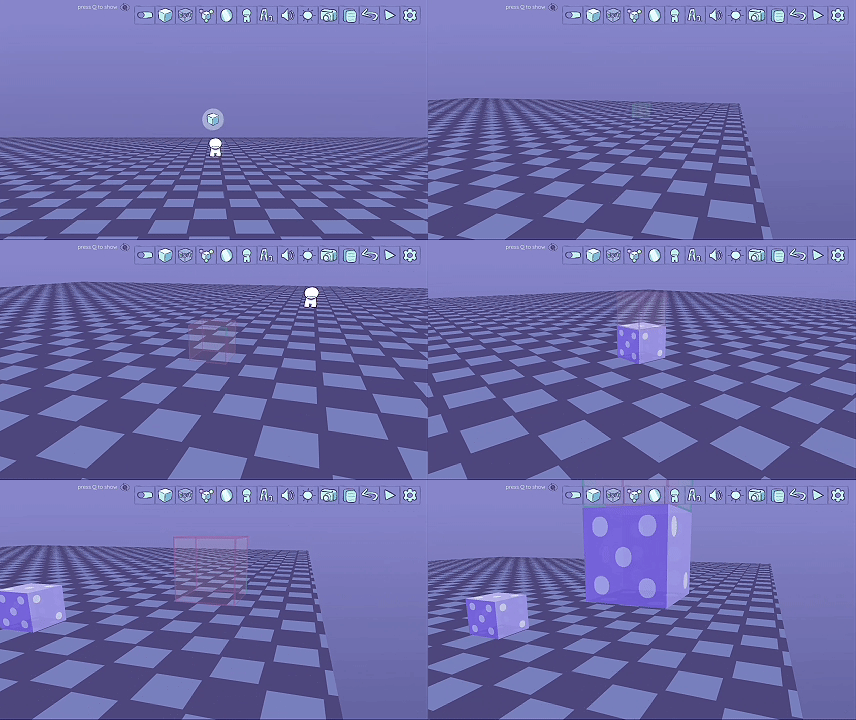
This is the building block for creating your game! Everything will come from these shapes!
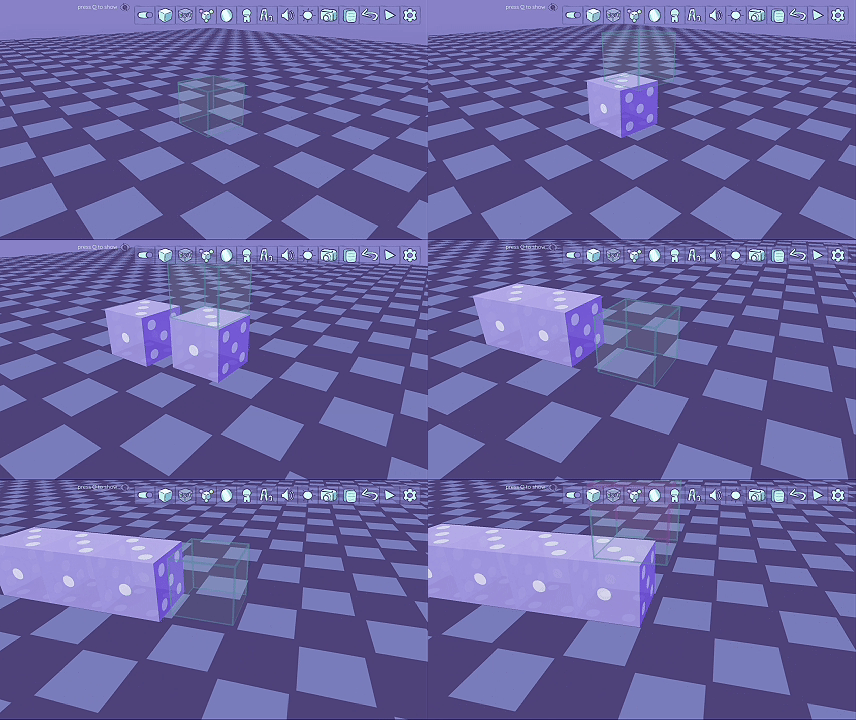
Tile Tool
Tile up any of the shapes you place rather than having them be randomly scattered.
Edit Tool
Change the position, size, effects, or texture of an already placed shape.


Effects Tool
Give any of the shapes you placed a physical effect or an action that'll affect the player, other shapes, or the game entirely. Let's go over each effect Lil Game Creator currently has.


When adding an effect, you'll be given multiple ways of how to implement it. You can choose what's required for the effect to initiate and how many times it can do so.
Texture Tool
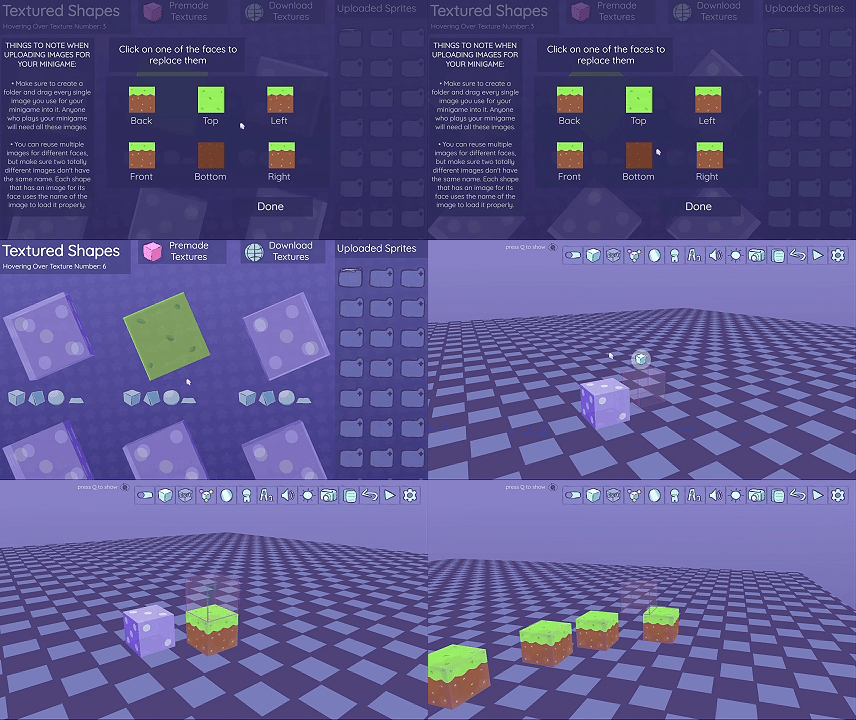
Upload or download different textures to customize your shapes.
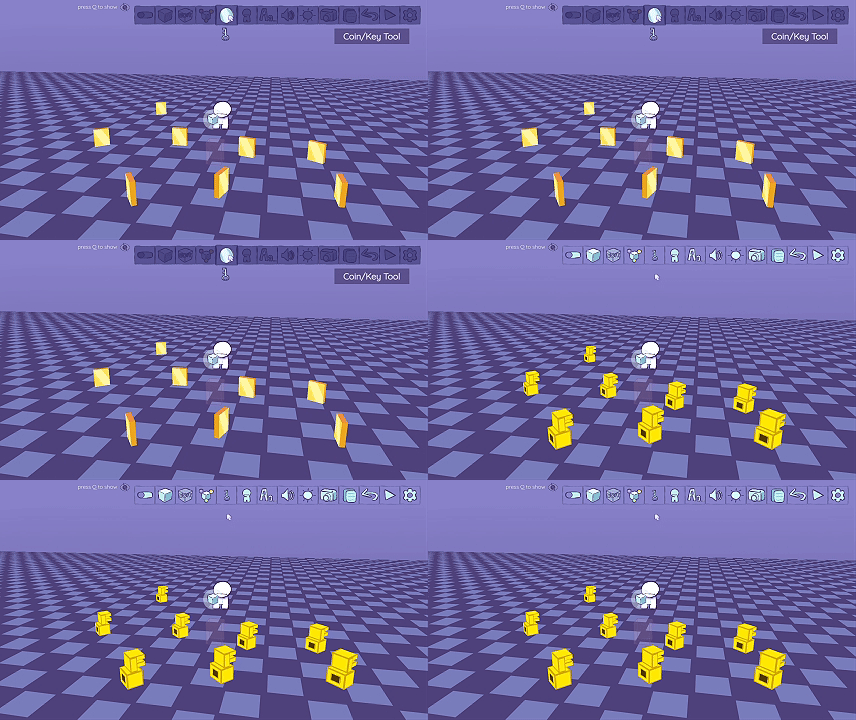
Coin/Key Tool
Choose between placing coins or keys depending on what kind of game you're going for.
Dialogue Tool
Add dialogue to your game and it'll display whenever a shape with the dialogue effect initiates it.


Camera Tool
Set the camera position of your game.
Copy Tool
Duplicate placed shapes and move them wherever you'd like.
There's plenty more coming to both Lil Guy Resort and Lil Game Creator! Please consider donating to support them both! You can click the Support button down below!

bottom of page